What is diplacusis?
Diplacusis means hearing one note at two different pitches. In binaural diplacusis, the most common kind, the same tone sounds higher in one ear than in the other, so music can sound out of tune, sour or doubled. Read the full guide.
Is Harmonic Recovery a treatment for diplacusis?
No. It is a practice and self-tracking tool, not a medical device. It does not diagnose or treat any condition, and its hearing check is not a clinical hearing test. If your hearing changed suddenly, see a doctor straight away.
Does it work?
Nobody knows yet. The idea is plausible: adult pitch perception can recalibrate against a trusted reference, and pitch hearing improves with practice. But no study has tested this method for diplacusis. That’s why the app measures your mismatch the same way each time, so you can see whether yours changes. Read the research and its limits.
Who is it for?
People whose ears hear the same note at different pitches: often after sudden hearing loss, with Ménière’s disease, or with hearing loss in one ear. Musicians, singers and music lovers tend to notice it first.
What do I need?
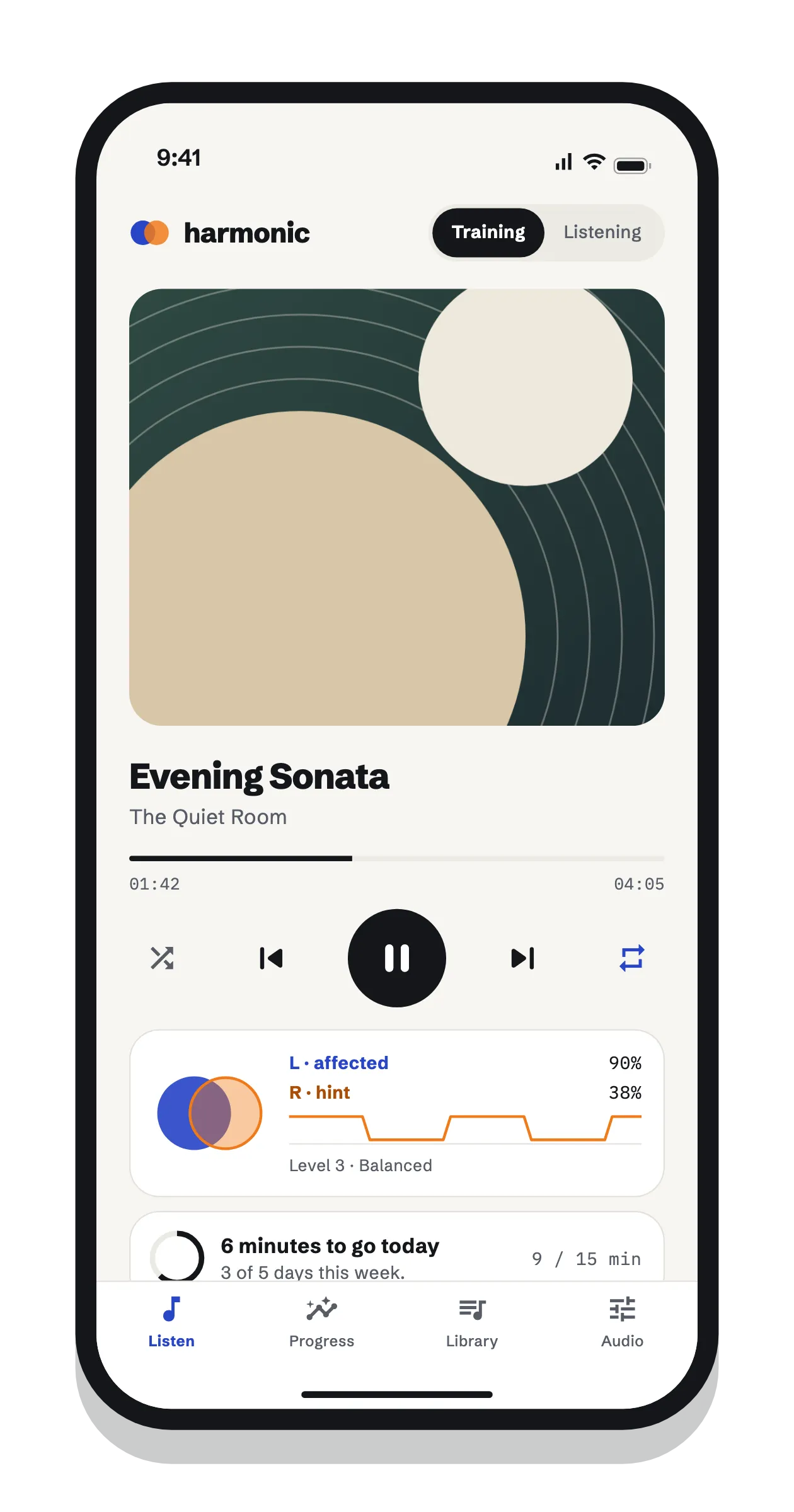
An iPhone, iPad or Android phone, and headphones or earbuds. In-ear earbuds work best, because they keep each ear’s sound from reaching the other ear. It does not work through speakers.
Why does it ask me to set up my headphones?
Phones and headphones are not calibrated, so the app finds the quietest tone each of your ears can hear with your headphones at a fixed volume, then sets its tones relative to that. The first setup takes about 5 minutes; after that, a 30-second check confirms nothing has changed, so your measurements stay comparable over time.
How much should I practice?
The default goal is 15 minutes a day on 5 days a week, which you can change. Home auditory-training programs typically use 15 to 30 minutes a day, and short regular sessions tend to work as well as long ones. These are sensible defaults, not medical guidance.
Can I use Spotify or Apple Music?
You can play MP3 files, and on iPhone, songs in your music library that are downloaded and DRM-free. Streaming services such as Spotify, and protected Apple Music tracks, cannot be played, because the app needs to control each ear’s channel separately.
What does Premium cost, and what do I get?
The app is free to start: 15 minutes of Training a day, a full hearing check every 14 days, one drill a day, and every result kept. Premium is $3.99 a month in the US (prices vary by country) and adds unlimited Training with background play, quick checks, full history and trends, unlimited drills and custom hint settings. Eligible new subscribers can try it free for 7 days.
How do I cancel?
On iPhone or iPad: Settings, your name, Subscriptions. On Android: the Google Play Store, your profile, Payments & subscriptions, Subscriptions. If you stop paying, nothing is deleted: you keep every result.
Is my data private?
Your hearing results, practice history and songs stay on your phone. There’s no account and no ads. To check subscriptions, the app sends a random ID created for your install, and your purchase details, to our purchase server. Read the privacy policy.
Does it work with hearing aids or cochlear implants?
It has not been designed or tested for them. Some hearing aids and streaming setups mix the left and right channels, which the app’s headphone check will catch. Ask your audiologist before using it with a hearing device.
My hearing changed suddenly. Should I use the app?
Not first. Sudden hearing loss is a medical emergency, and treatment works best when it starts early, ideally within two weeks. See a doctor or go to urgent care today. More on pitch after sudden hearing loss.